When you click on links to various merchants on this site and make a purchase, this can result in this site earning a commission. Affiliate programs and affiliations include, but are not limited to, the eBay Partner Network.
Oh ok i was thinking that it was an app that could be downloaded to run in the background and configured for the whole operating system and could work for all apps. Guess not.
The call delay is certainly a big issue if OEM BT for calls can't be used at the same time it's connected to the screens BT adapter. Looks like the USB AUX dongle is the easiest way (only if you could get one that works with your system) to free up the OEM BT for calls. Too bad it's unpredictable as to which USB AUX dongle would work as there's many more fails than successes. Guess i'll hold out a little bit longer...
Hey I was thinking the same thing about an app that would help sync up the A/V. I didn’t realize Kodi had that feature. I’ve also been exploring FM modulation as well, but it’s hard to find a unit that works with a Benz.
If we couls only figure out how to activate the aux port in the w205, then this issues that exists in the Benz OEM system is solved technically, because we could bypass the cars BT system and just use the new units.
Hey I was thinking the same thing about an app that would help sync up the A/V. I didn’t realize Kodi had that feature. I’ve also been exploring FM modulation as well, but it’s hard to find a unit that works with a Benz.
If we couls only figure out how to activate the aux port in the w205, then this issues that exists in the Benz OEM system is solved technically, because we could bypass the cars BT system and just use the new units.
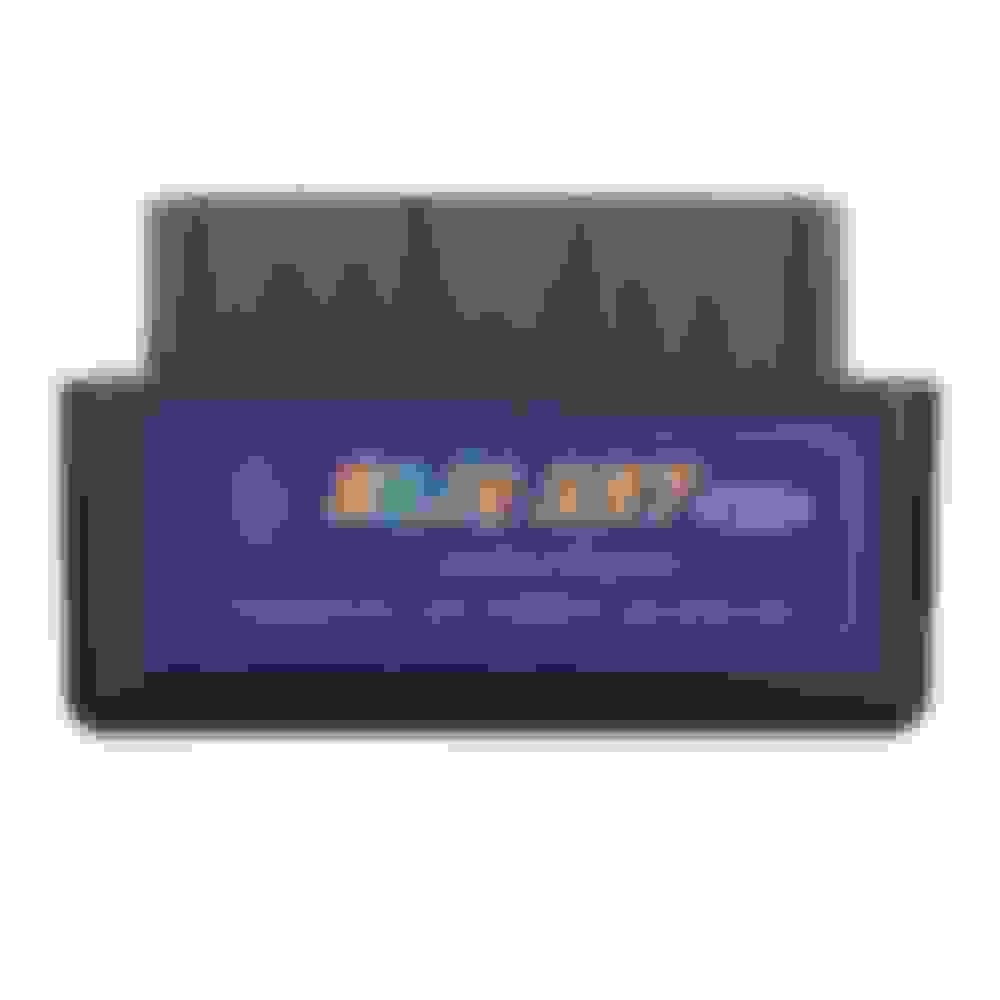
You can get OBD-II activation of AUX in W205. I used similar to below from eBay to enable in my 2017 C43. I didn't need external RCA, as CarPlay proxy box I am using had AUX connection in harness. I have no experience with this seller.
You can get OBD-II activation of AUX in W205. I used similar to below from eBay to enable in my 2017 C43. I didn't need external RCA, as CarPlay proxy box I am using had AUX connection in harness. I have no experience with this seller.
Hey I got an issue with my 10.25 screen related to the GPS, and that looks like a driver bug: often when going through a tunnel, or sometimes just randomly, the GPS will stop seeing any satellites, forever (or at least for 20mn).
The only way I've found to fix it is to open the Android settings, go in Location, and change the Location mode to WiFi only, wait a sec, then set it back to device or high accuracy. Then the GPS Test app will see the satellites again, and navigation will work again.
Has anyone found a permanent fix for this? Thx.
Can't say I have had that happen. I have has Waze just stop doing route guidance, but that was due to a data drop and it did not pick up when the data signal returned. But exiting Waze and going back in sorted that. The GPS part still worked.
Obviously you haven't done it with this unit. Most of the cheap ODB2 units are blacklisted in the firmware by the supplier on these. Reported it to Chris to get the restriction removed, but had no response from him whatsoever on whether he can get them to do it. Unless the BT name of the adapter starts ODB then it will not show up to pair in either the HU or Torque.
Explained this several times across the threads now. If the manufacturer won't remove the restriction then rooting and doing it yourself is the only real answer. Unless someone finds a compatible unit, but these are usually the $100+ range ones.
Hey I got an issue with my 10.25 screen related to the GPS, and that looks like a driver bug: often when going through a tunnel, or sometimes just randomly, the GPS will stop seeing any satellites, forever (or at least for 20mn).
The only way I've found to fix it is to open the Android settings, go in Location, and change the Location mode to WiFi only, wait a sec, then set it back to device or high accuracy. Then the GPS Test app will see the satellites again, and navigation will work again.
Has anyone found a permanent fix for this? Thx.
Maybe it is related to where you install your GPS receiver?
From my sode, I put it under the cover of the front speaker, and the GPS catches satellites when I go out from a tunnel.
I use waze as well.
Maybe it is related to where you install your GPS receiver?
From my sode, I put it under the cover of the front speaker, and the GPS catches satellites when I go out from a tunnel.
I use waze as well.
Thx, but no : my GPS reception is excellent, most satellites reception level is in the 30ies, and some in the 40s in GpsTest. The issue came only after a tunnel or randomly after 20mn+.
Use the search for battery to open the per app battery optimization (it's hidden from my menu, I had to use the search to open it).
Disable everything that seems to be related to GPS, especially some system service with a weird name that I forgot.
Very late edit : it was the antenna placement. It was stuck behind the screen vertically, and the roof was probably hiding it too much. Now that the antenna is placed horizontally and further in the front, all is fine.
Last edited by Sly_North; Oct 22, 2018 at 12:07 PM.
Hello
First, thanks for all the sharing in this thread. It is really useful. After digesting all the info, I ordered the latest version(4G RAM + 64G ROM) of this head unit from taobao. Just got it installed on my C300. It took me sometime to find the right resolution of OEM system, after that, it is running great. Then only issue I have is Bluetooth connection. I cannot get it connected to OEM system. Will need to do more troubleshooting tomorrow.
I checked with Rock at carlife, they also have this model available. And had posted new video on
Hello
First, thanks for all the sharing in this thread. It is really useful. After digesting all the info, I ordered the latest version(4G RAM + 64G ROM) of this head unit from taobao. Just got it installed on my C300. It took me sometime to find the right resolution of OEM system, after that, it is running great. Then only issue I have is Bluetooth connection. I cannot get it connected to OEM system. Will need to do more troubleshooting tomorrow.
I checked with Rock at carlife, they also have this model available. And had posted new video on YouTube.
After installation. 3GB memory!? Firmware version.
Seems like a scam? Other have pointed out how the Android version, that's supposed to be 7, is actually 6.x. They simply hacked it to say 7.0. And now yous is supposed to be 4gb ram but only has 3, or 2.8? Something's fishy. I'd call them out on it and see what they say.
Thx, but no : my GPS reception is excellent, most satellites reception level is in the 30ies, and some in the 40s in GpsTest. The issue came only after a tunnel or randomly after 20mn+.
Use the search for battery to open the per app battery optimization (it's hidden from my menu, I had to use the search to open it).
Disable everything that seems to be related to GPS, especially some system service with a weird name that I forgot.
Not had that happen at all yet. Have had Waze stop the routing when it lost the internet, but the GPS has carried on fine. Just exiting and re-starting Waze sorted that thought.
Hello
First, thanks for all the sharing in this thread. It is really useful. After digesting all the info, I ordered the latest version(4G RAM + 64G ROM) of this head unit from taobao.
Darn i just ordered the 2+32gb version, didn't know a 4+64 already came out. Hope it still works flawlessly and maybe it is upgradable from the inside just like a laptop, but probably not as like most phones all ram and cpu are integrated onto the board.
Anyone without the AUX-IN try something like this for their NTG5 system? https://car-solutions.com/en/aux-mod...5.0-system.php
I looked at their install wiring diagram and instructions and compared it to the back of my headunit and it matches to the corresponding empty slots on the adapter.
The OBDII activator that comes with it seems to activate the AUX menu. Anyone try it?
Darn i just ordered the 2+32gb version, didn't know a 4+64 already came out. Hope it still works flawlessly and maybe it is upgradable from the inside just like a laptop, but probably not as like most phones all ram and cpu are integrated onto the board.
except a few posts up you can see ithe 4gb one only has 2.8 gb ram. not even 3. looks like a scam, just like it having "android 8.0
I contacted the seller, but they haven't provided me the answer(long vacation in China). Regardless the scam-like hardware config, it runs smoothly. I have no complaint about it so far. It's too troublesome to ship it back to China so if no significant issue, I will keep it as it is.
Anyone without the AUX-IN try something like this for their NTG5 system? https://car-solutions.com/en/aux-mod...5.0-system.php
I looked at their install wiring diagram and instructions and compared it to the back of my headunit and it matches to the corresponding empty slots on the adapter.
The OBDII activator that comes with it seems to activate the AUX menu. Anyone try it?
It looks promising!
Unfortunately, i cannot give a try. my car model is 2015, and the datasheet of the adapter specifies 2016 and above.
Anyone without the AUX-IN try something like this for their NTG5 system? https://car-solutions.com/en/aux-mod...5.0-system.php
I looked at their install wiring diagram and instructions and compared it to the back of my headunit and it matches to the corresponding empty slots on the adapter.
The OBDII activator that comes with it seems to activate the AUX menu. Anyone try it?
Originally Posted by zippi
It looks promising!
Unfortunately, i cannot give a try. my car model is 2015, and the datasheet of the adapter specifies 2016 and above.
Same for me, i would love to but mine is from 2014! I don't even know if there would be such a retrofit possibility!
just want to share a very cool app that auto activate the Wi-Fi hotspot when the phone is connected with Bluetooth to the car (or any other device, you can choose).
This module is more expensive and seems to be more tricky to install than the other one. But no OBD upgrade.
i'll wait for the USB adapter i ordered few days ago, an if I still have delayed sound like with the BT one, then I'll think about this module.
Thanks for link, it mentions something about the amplifier (optical fiber audio) not being spec conform. Not sure whether it is valid, but I find it to much cable and, yet one more quad lock to plug in the chain for the aux audio.
Please let me know your findings. I was playing today with the embedded bt of the display to connect it directly to the head unit to see if it made any difference. But I wasn't able to connect it.
I am just wondering why I don't have any audio delay if I connect my phone and I do call somebody.
Mercedes SLR McLaren 722 S Is Extremely Rare Example Modified by McLaren
Slideshow: A one-of-one U.S.-spec Mercedes-Benz SLR McLaren Roadster became even rarer after a factory-backed transformation at McLaren's headquarters.